

Latest Version
Apple Inc.
Design
Mac
Free
408981434
Report a Problem
More About iMovie
The Simple Solution to Complex Video Editing
Capturing beautiful video footage is easier than ever, but transforming those raw clips into a polished, engaging story often feels like a daunting task. Many creators find themselves stuck between overly simplistic mobile trims and prohibitively expensive, steep-learning-curve professional suites. The iMovie video editing software bridges this gap perfectly for macOS users, offering a highly intuitive platform that turns raw footage into cinematic art without the headache.
Key Features of the iMovie Video Editing Software
Whether you are putting together a quick family memory or assembling a high-resolution presentation, this application delivers a robust suite of tools tailored for macOS desktop environments:
- Stunning 4K and HD Capabilities: Import and edit footage from modern smartphones, action cameras, and ultra-HD equipment at up to 4K resolution, ensuring crisp visual fidelity.
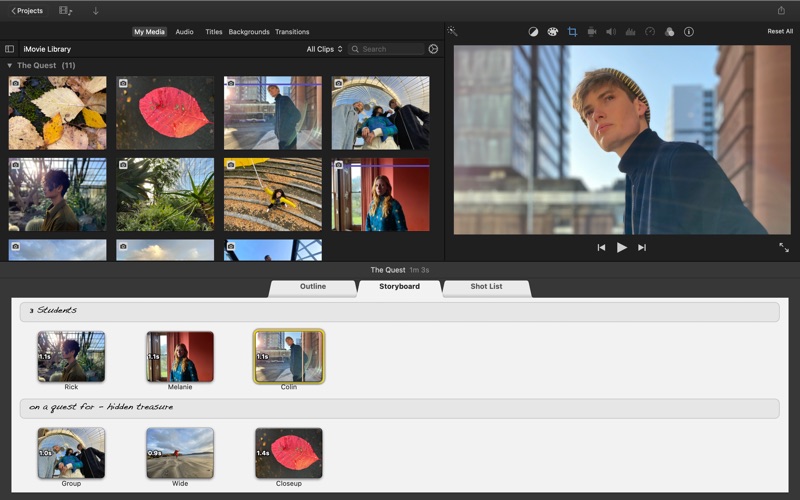
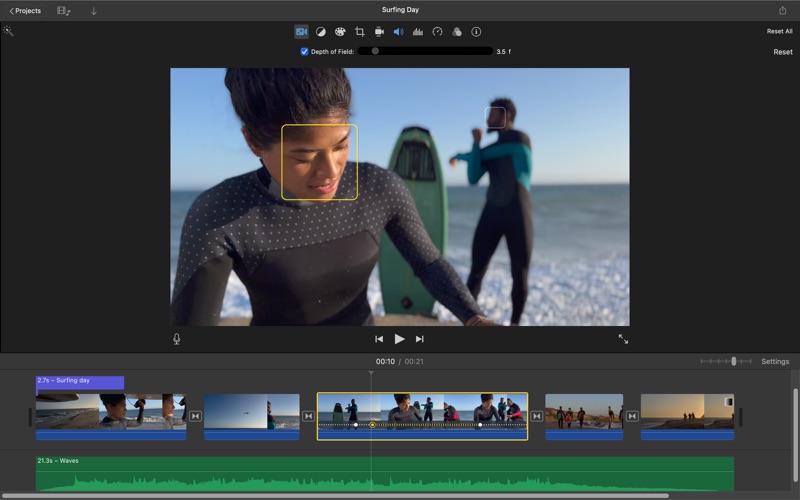
- Cinematic Mode Adjustments: For footage captured on supported iPhone models, you can dynamically shift focus points and control the depth-of-field effect post-capture.
- Hollywood-Style Trailers: Choose from nearly thirty pre-built templates complete with studio graphics and original scores composed by industry professionals.
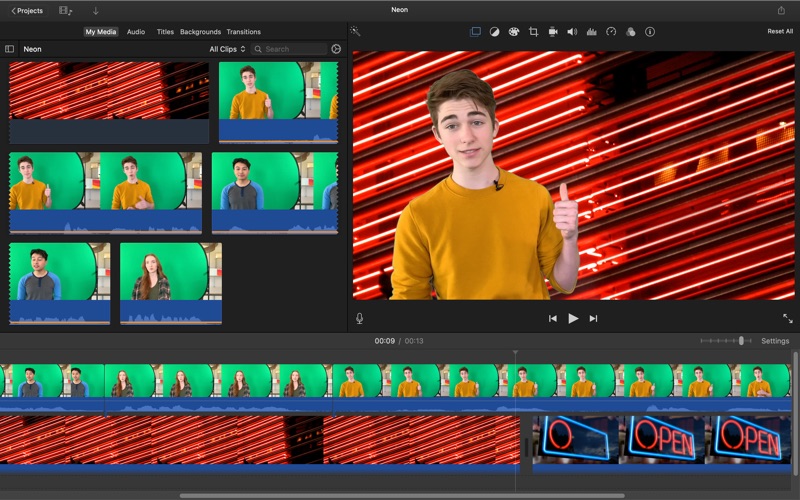
- Advanced Visual Effects: Elevate your narrative with green screen masking, split-screen layouts, picture-in-picture displays, and smooth speed controls.
- Seamless Ecosystem Integration: Begin your creative workflow on an iPad or iPhone and import the project directly onto your Mac's timeline for final precision tuning.
Who Is This Editing Suite For?
This software is an exceptional match for aspiring filmmakers, content creators, educators, and businesses looking to produce high-quality visual content without a premium price tag. While professional editors might eventually transition to Final Cut Pro, this platform provides all the essential color correction, audio stabilization, and narrative tools required to build a highly professional final product.
Refining Your Creative Workflow
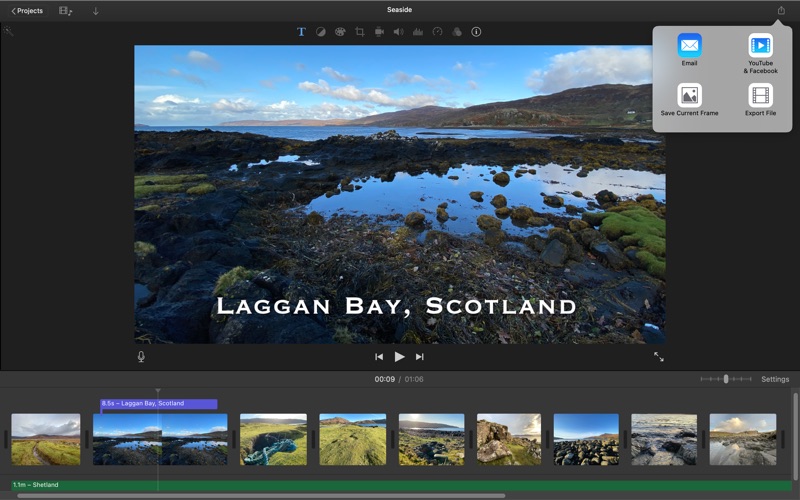
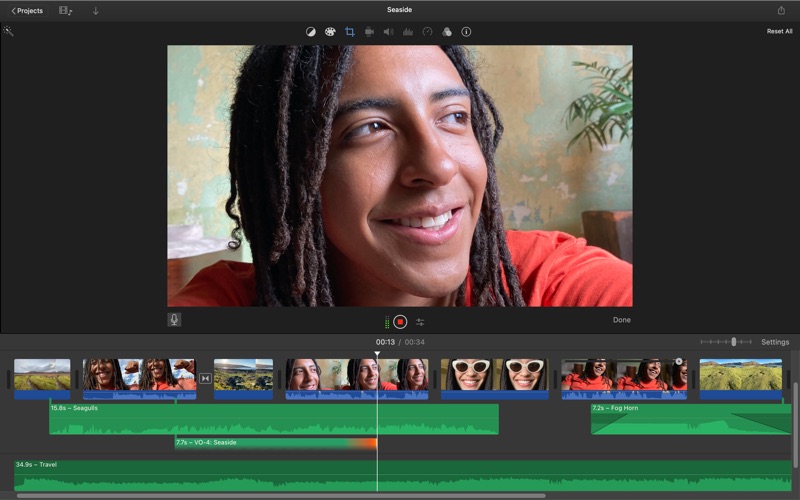
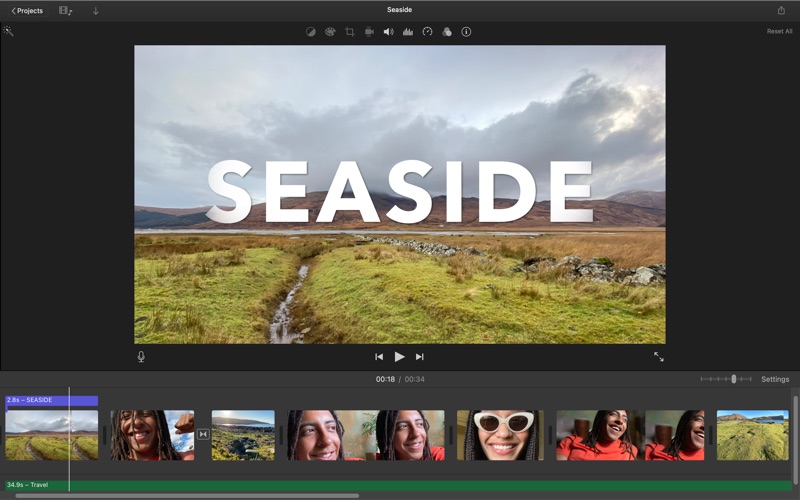
The strength of the iMovie video editing software lies in its non-destructive timeline. You can effortlessly overlay audio tracks from your library, apply built-in sound effects, utilize the Ken Burns panning effect on static photos, and correct shaky camera work with a single click. When your project is complete, exporting optimized files for major social platforms or sending the draft to advanced suites is remarkably straightforward.
Start Crafting Your Story
If you are ready to elevate your video production on Mac, this software offers an unmatched, cost-free entry point into high-quality editing. To explore the platform yourself and begin editing, head over to the official Mac App Store to get started.
Rate the App
User Reviews




Popular Apps










Editor's Choice