Latest Version
Manfred Schubert
Design
Mac
Free
1544476110
Report a Problem
More About Diffraction | Image Editor
A Modern Approach to macOS Desktop Publishing and Photo Editing
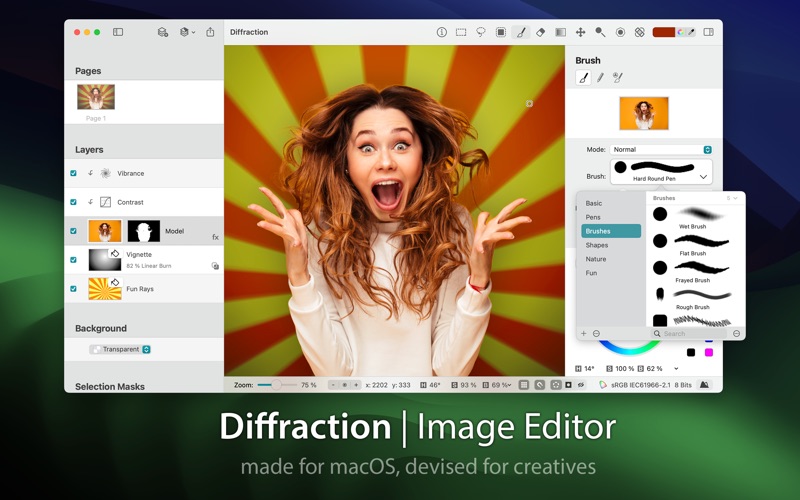
Finding a tailored, high-performance creative tool can be a challenge for Mac users. Diffraction | Image Editor steps into this space as a dedicated macOS application built specifically to bridge the gap between casual photo adjustment and advanced graphic design. Developed by Manfred Schubert, this software caters directly to creative professionals and hobbyists who demand native desktop performance without the steep learning curves of legacy enterprise suites.
Intelligent Layering and Multi-Format Support
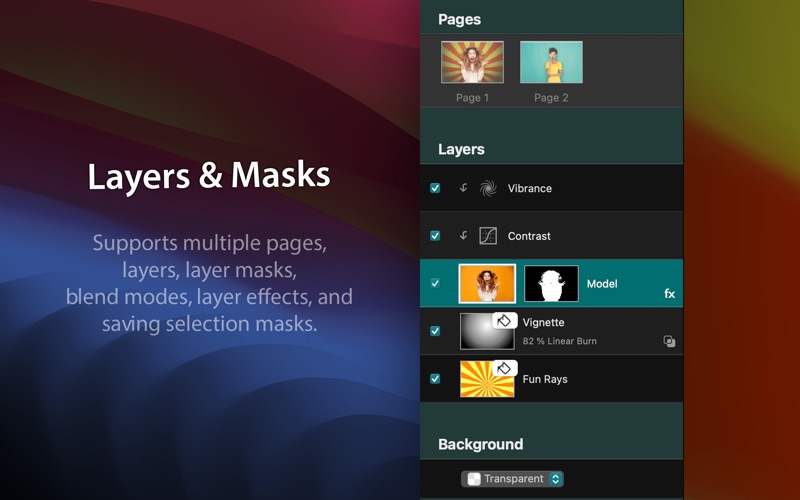
At the core of the Diffraction | Image Editor experience is its robust handling of complex compositions. Unlike basic filters, it provides a non-destructive editing environment designed for intricate workflows. Key production features include:
- PSD Document Integration: Seamlessly import and export layered Photoshop files, complete with active styles, preserving your existing asset pipelines.
- Advanced Selection Tools: Isolate intricate elements effortlessly using the magic wand, lasso, quick mask, or geometric selection tools.
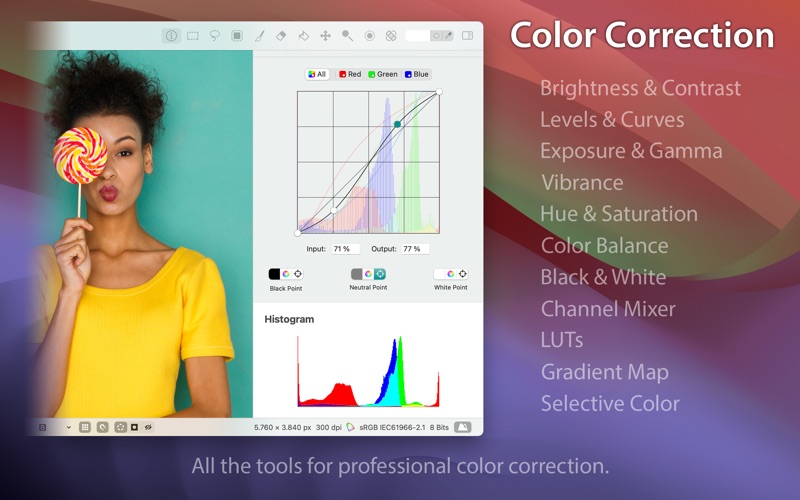
- Non-Destructive Adjustments: Fine-tune color, contrast, curves, and exposure using dedicated adjustment layers that protect your original source pixels.
Harnessing AI for Complex Retouching Tasks
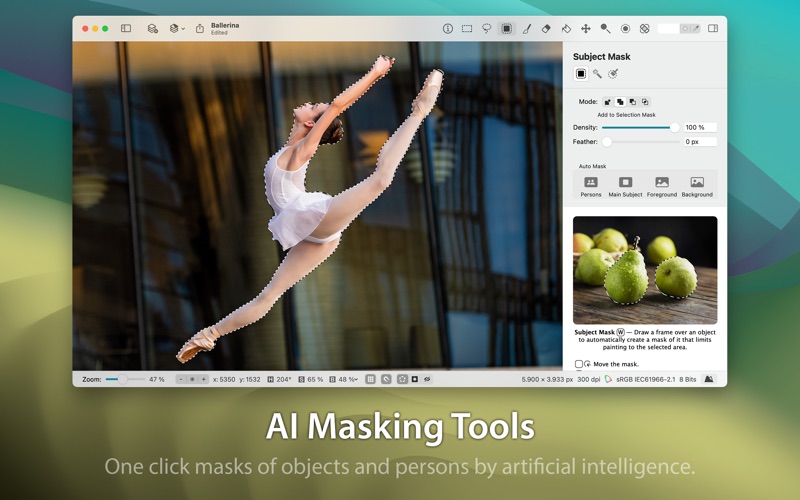
Where the Diffraction | Image Editor truly shines is in its integration of modern artificial intelligence. Complex manual masking and object removal tasks that used to take hours are condensed into simple, automated actions. The software’s intelligent Spot Removal tool allows designers to repair extensive portions of an image realistically, making dust, blemishes, and unwanted background figures disappear. Additionally, its AI-driven Subject Masking automatically detects humans and distinct objects to generate pixel-precise selections in a single click.
Who Benefits Most From This macOS Editor?
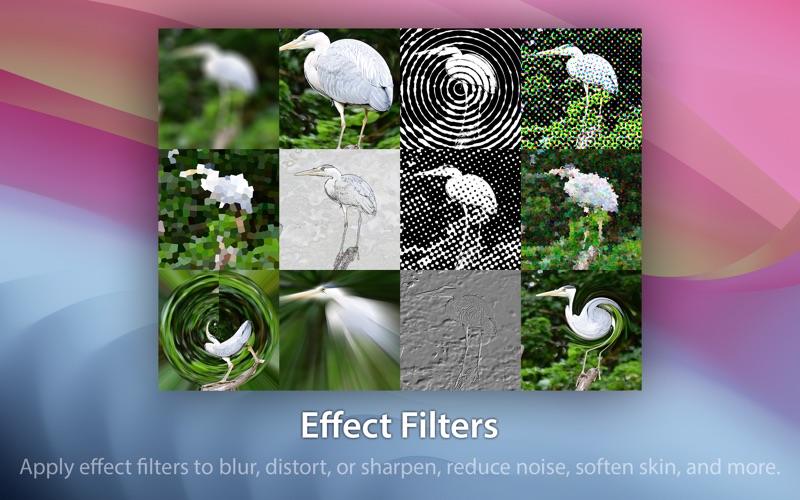
Diffraction is highly optimized for independent creators, digital illustrators, and photographers who require precision control over their imagery. Because it runs natively on macOS, it delivers fluid performance when handling high-resolution HEIC and JPEG formats. Whether you are performing detailed beauty retouching with the clone stamp, dodging and burning portraits, or applying complex color curves, the interface remains highly responsive and intuitive.
Explore Diffraction on the Mac App Store
If you are looking to elevate your desktop editing workflow with a streamlined, AI-assisted toolkit, this application offers an impressive balance of power and usability. To read more user feedback, check system compatibility, or purchase the software, visit the official product page on the Mac App Store.
Rate the App
User Reviews

Popular Apps







Editor's Choice