Latest Version
Stefan Veres
Education
Windows
Free
9mtdvbxqzj9k
Report a Problem
More About Learn Languages to Fluency on the go
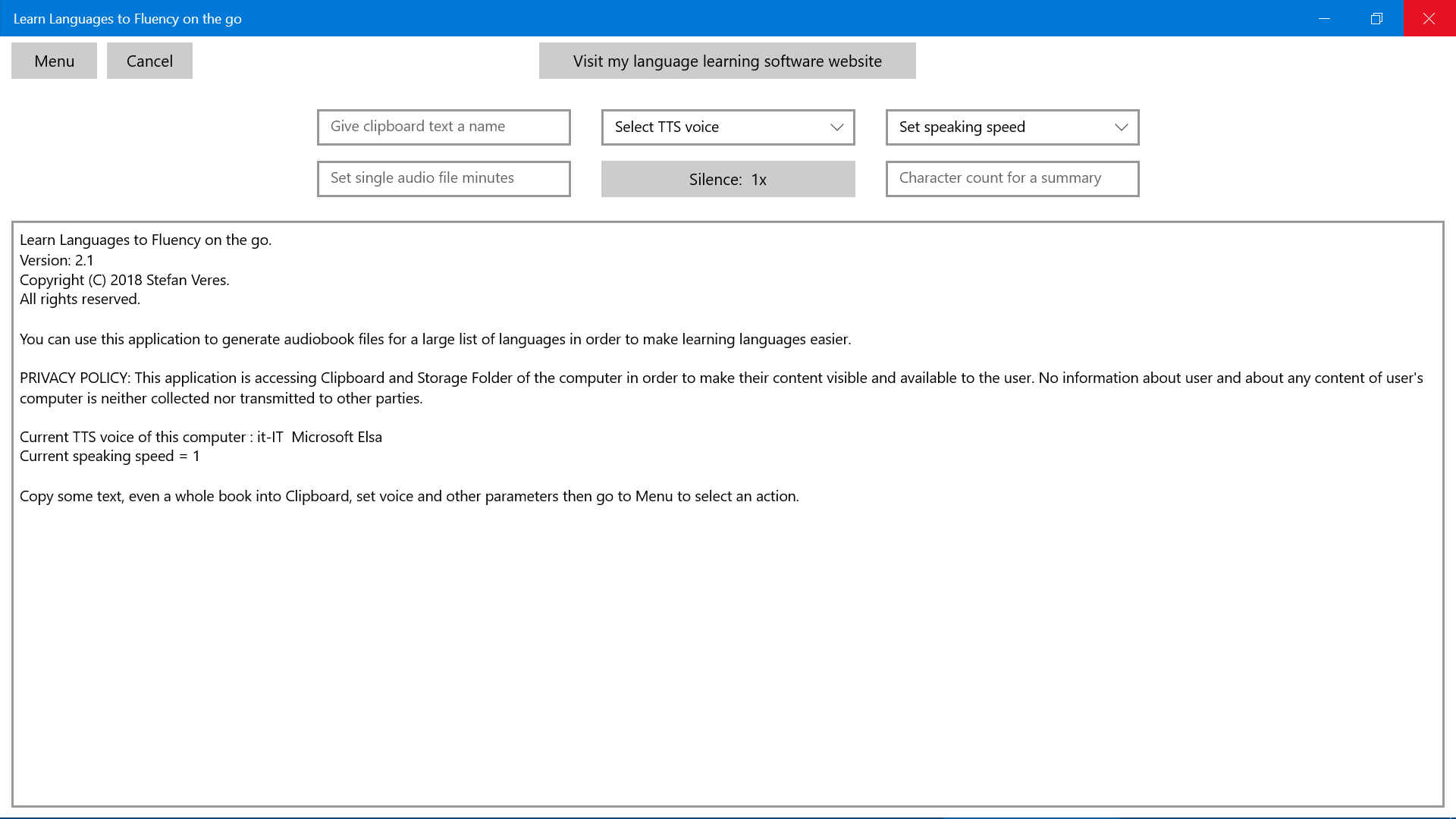
Many language learners struggle to bridge the gap between understanding a language and actually speaking it. Learn Languages to Fluency on the go is a practical Windows application designed by Stefan Veres to solve this exact problem. By converting custom text into structured audio exercises with built-in pauses, this tool allows you to practice active recall and speaking fluency while multitasking.
How the Learn Languages to Fluency on the go App Works
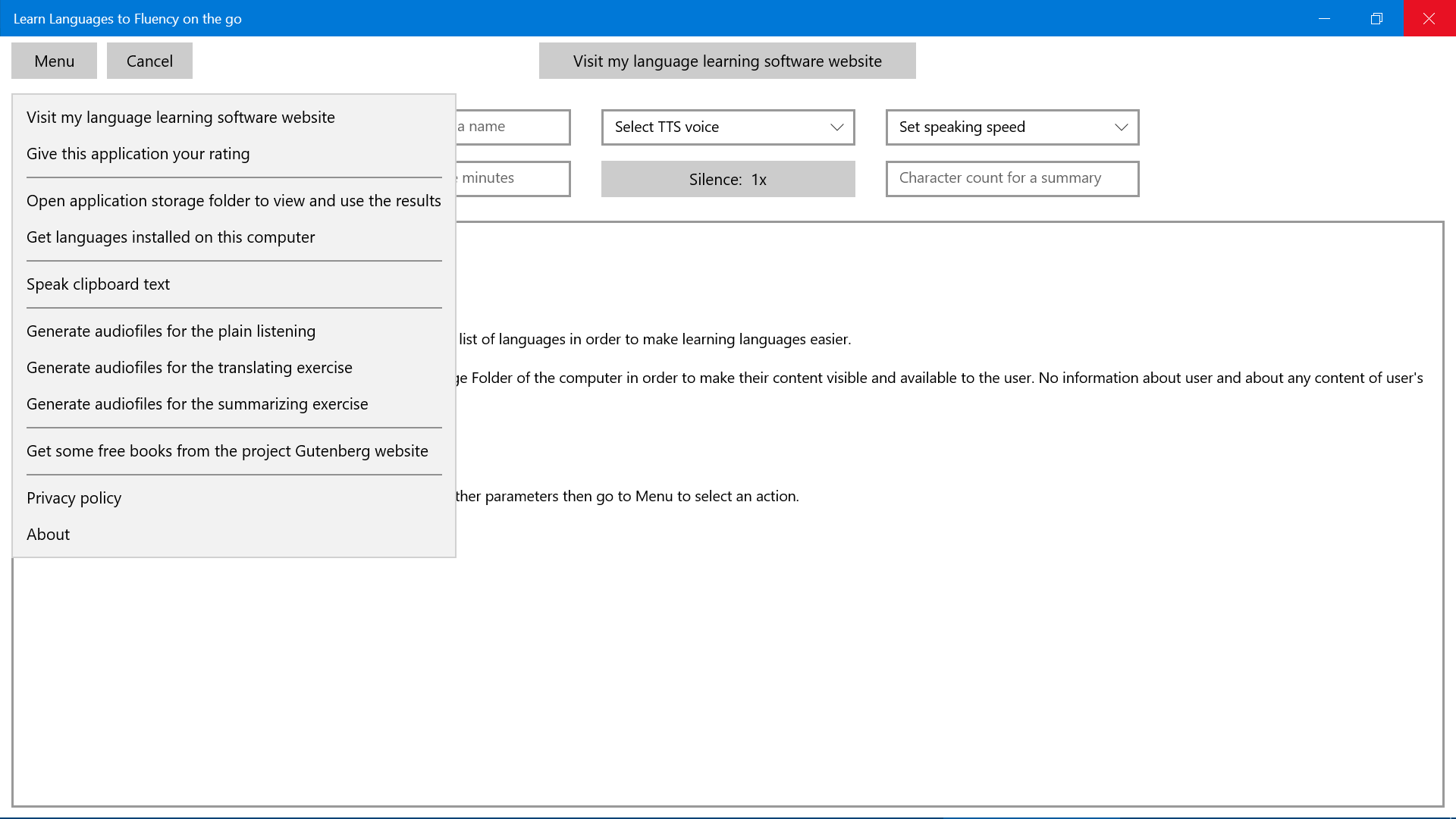
Unlike traditional language apps that rely on repetitive multiple-choice questions, this software leverages your computer's built-in text-to-speech engine to create custom audio lessons. The process is straightforward: you copy relevant text to your clipboard, configure the voice settings, and generate audio files that you can transfer to your smartphone or MP3 player.
Two Powerful Exercise Modes
- The Translation Exercise: Copy text in your native language to your clipboard. The application generates an audio file where each phrase is read aloud, followed by a designated period of silence. Your task is to translate the phrase into your target language—either aloud or in your head—before the silence ends.
- The Summarizing Exercise: Copy text in your target language. The app divides the text into small paragraphs followed by silence, giving you the opportunity to summarize what you just heard in your own words. This mode is excellent for intermediate learners looking to build spontaneous speaking skills.
Who Benefits Most from This Fluency Tool?
This utility is ideal for self-directed language learners who want to maximize their unproductive time. Because the generated files can be played on any standard mobile device, you can practice speaking while walking, jogging, commuting, or doing household chores. It is particularly valuable for those who want to transition passive vocabulary into active speaking skills without constantly stopping to look up words in a dictionary.
Key Features and Customization Options
- Flexible Content Sources: Use any text from the web, digital books, or platforms like Project Gutenberg to match your exact proficiency level.
- Adjustable Silence Intervals: Customize the pause duration between sentences or paragraphs to match your processing speed.
- Variable Playback Speed: Slow down the speaking rate within the application options if the native system voice is too fast.
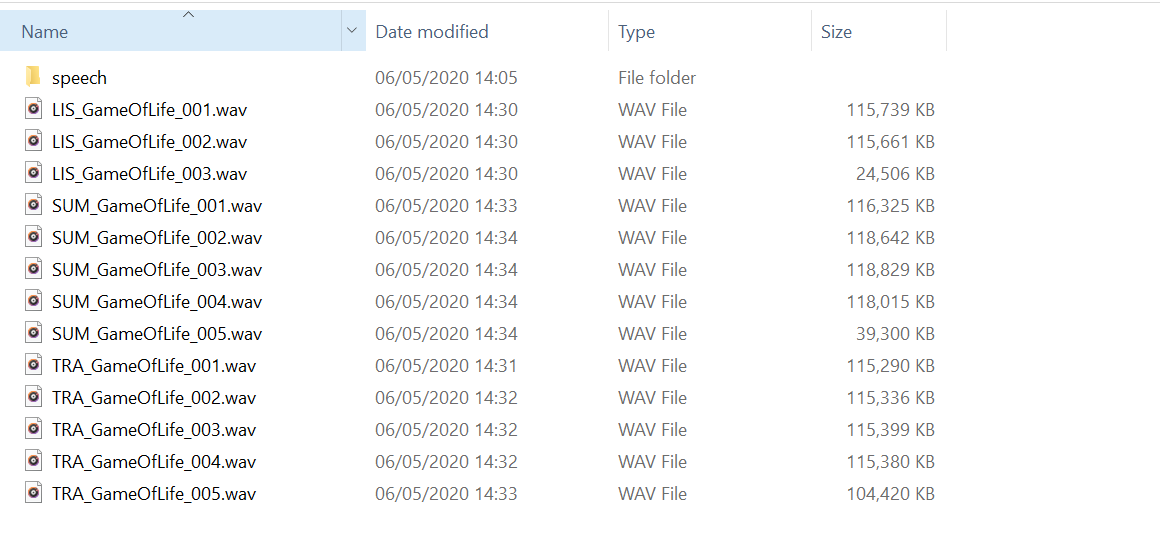
- Offline Practice: Once your WAV files are generated, you can convert them to MP3 and practice entirely offline without any internet connection.
System Requirements and Compatibility
As a specialized Windows application, it utilizes the native voices and languages installed on your Windows 10 operating system. To use a specific target language, ensure that the corresponding voice package is installed in your system settings. The application supports any language where sentence endings are clearly marked by standard punctuation marks like periods, exclamation points, or question marks.
If you are ready to stop studying grammar rules and start speaking more naturally, you can find more details and download the application directly on the official Microsoft Store.
Rate the App
User Reviews










Popular Apps







Editor's Choice